FPV simulators: practising flying without breaking the drone
- Infrastructure
- October 11, 2026
Table of Contents
I have flown the drone twice, both times in the garage. Then I realised that if I carried on that way, I would have learned to fly badly — and that there was a way not to. I am talking about FPV simulators.
In short: before flying the drone for real, you fly in simulation. It costs little, nothing breaks, and you learn exactly the same manual dexterity. It is the sanest thing I have done in this hobby.
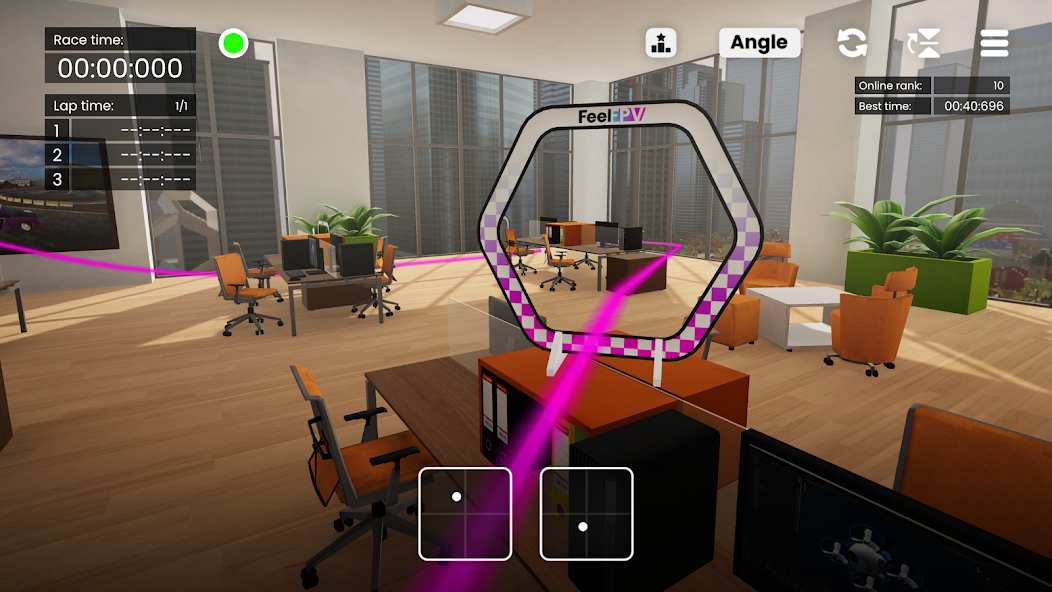
What an FPV simulator is for
The concept is simple, and for once it is worth starting from here. An FPV simulator recreates first-person flying: the camera is your eye, and you move a radio controller just as you would outdoors. In practice it trains you on the two things that make first-person flying hard:
- manual dexterity on the controls — your thumbs have to learn to move the sticks finely and in a controlled way;
- rhythm — accelerating, braking, correcting, reading the environment and reacting in real time.
In practice, the simulator is the cheapest and most effective way to build the muscle memory that will later command the real hardware.
FeelFPV TinyWhoop: the simulator on Android
On Android I am using FeelFPV TinyWhoop, a simulator built specifically for micro FPV drones (the “tiny whoops”), which is exactly my category of drone.
What makes it interesting:
- It runs on Android (and Windows) and is free.
- It supports both touchscreen controls and external controllers (gamepads over cable or Bluetooth).
- It has very deep settings: control curves, sensitivity, flight modes, drone weight, camera angle and field of view, motor power.
- Recent versions added replays, drone customisation, multiplayer and OSD (horizon, gimbals, speed).
The interface is plain and direct, and the settings let you tune everything. Here is the control parameters screen:
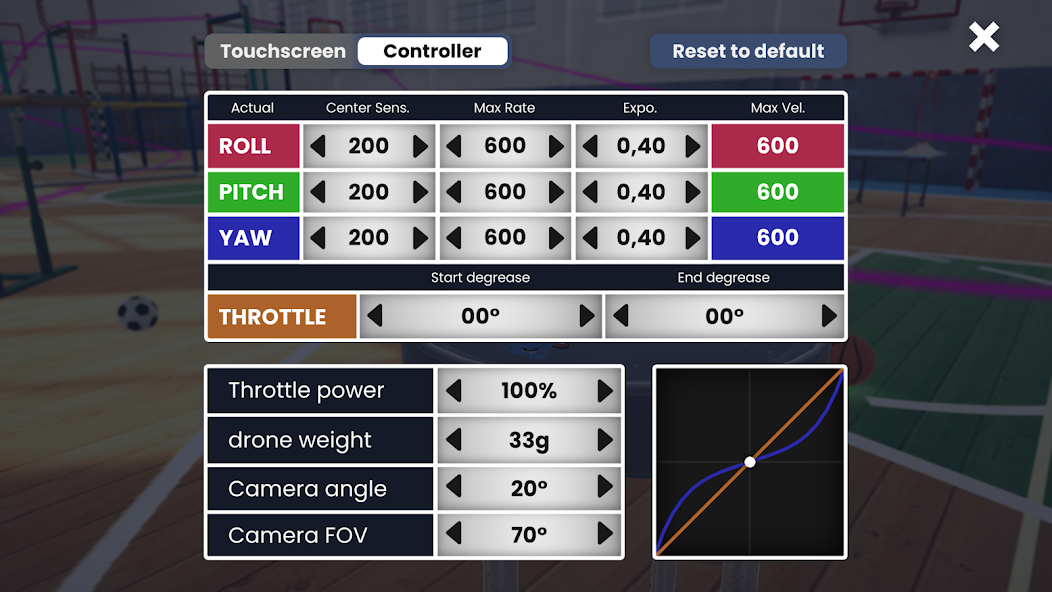
The advantage of being able to configure, say, the drone weight or the camera angle is that you can make the simulator resemble your real setup as closely as possible, turning the game into real training.
Liftoff: the simulator on PC
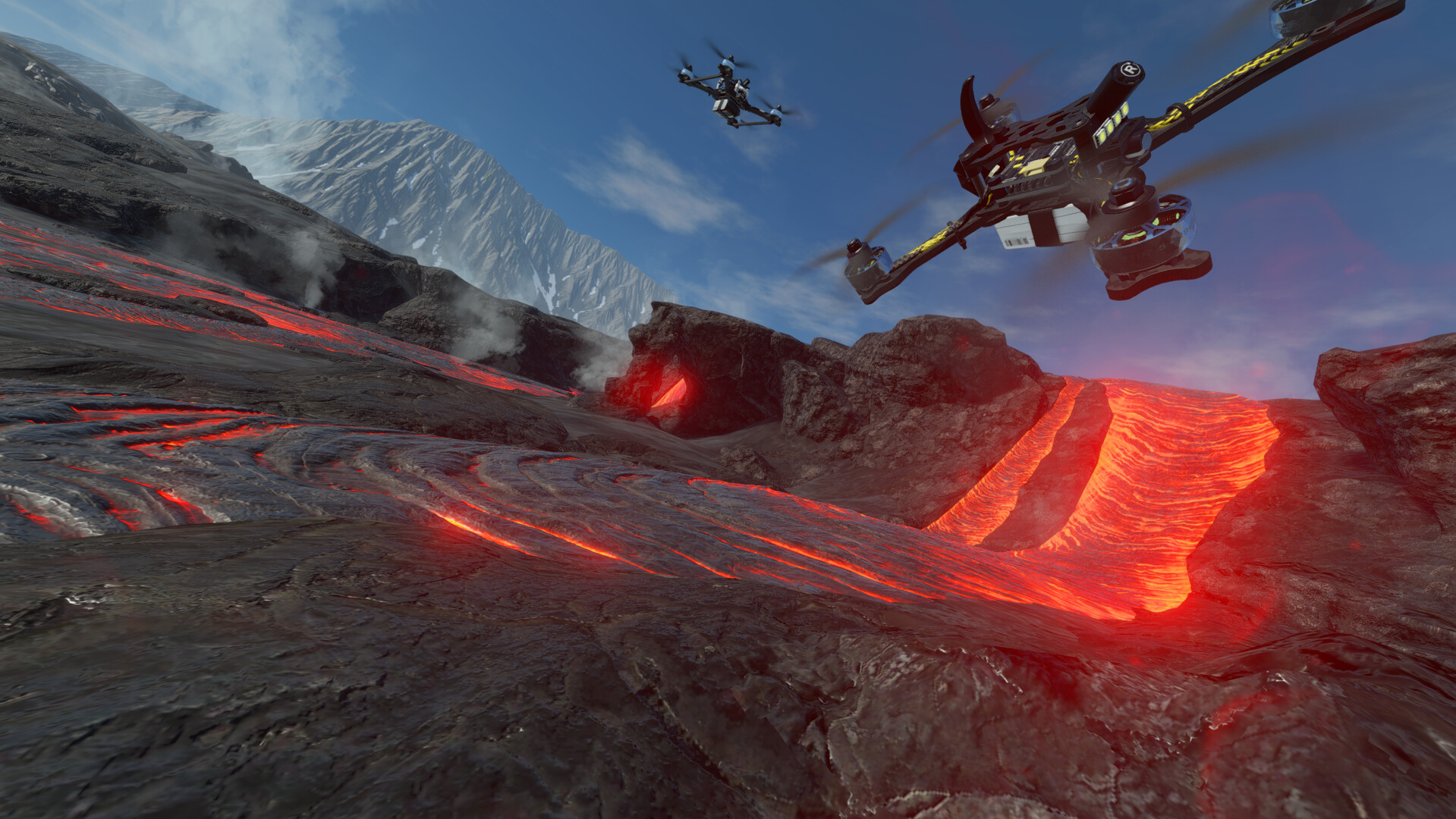
On the computer I am using Liftoff, the best known and most appreciated FPV simulator of all.
Its main features:
- Very realistic physics and flight dynamics, designed as a genuine test bench.
- Direct control of the drones, with components (frames, motors, batteries) modelled on reality.
- Free Flight, Race and Freestyle modes, plus tools to build your own tracks.
- A large community with thousands of user-made drones and tracks, and an integrated e-sport system (Liftoff Pro League).
- It runs on Windows, macOS and Linux, and is also compatible with the Steam Deck.
The difference compared with a phone simulator is that here you have completely different computing power: this is where you do the serious manoeuvres.
The piece that changes everything: using the real controller
And here is the point that, in my opinion, makes simulators genuinely worth it. You do not have to fly with the keyboard or the touchscreen.
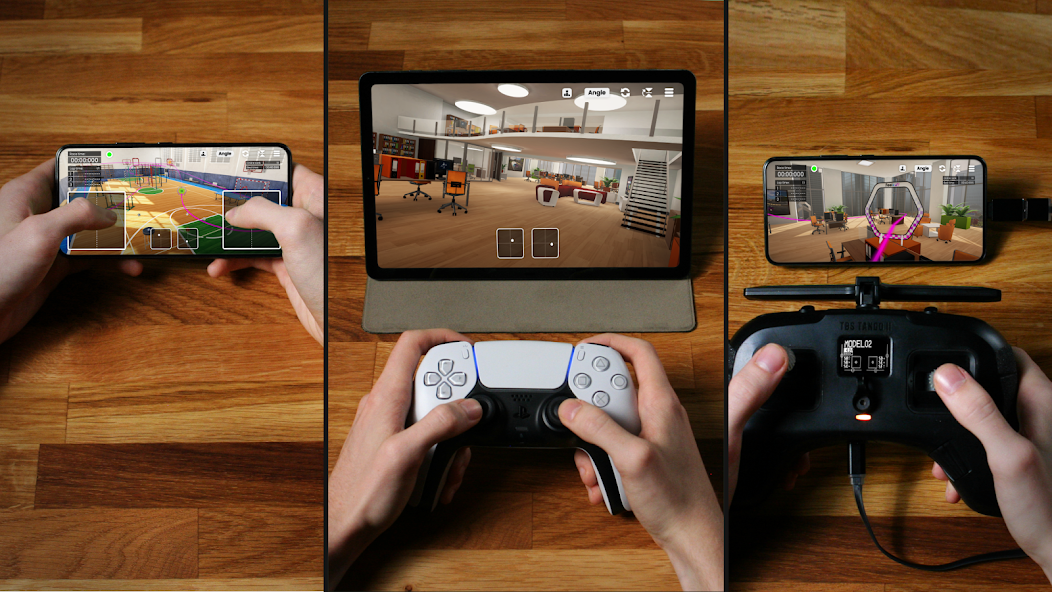
The drone’s radio controller — in my case the BETAFPV LiteRadio 2 SE — connects to the PC (or the tablet) over USB and behaves as a USB joystick. The most widespread simulators recognise it, so you can fly with the very same physical controller you will use outdoors.
This changes the nature of the experience fundamentally: when you train, you are moving the same controller you will use outside, with the same curves and the same stick travel limits. You are not learning to press keyboard keys: you are learning to fly.
And it is not only about feel. There is a very long list of tips in the FPV world that all repeat the same thing: simulate before you fly. The reason is that in a simulator a mistake costs nothing, whereas outdoors it costs props, frames, batteries and, occasionally, teeth.
The nice thing is that the same console, with the same cable, can go from the simulator to the real drone without changing anything. You train, unplug, and go.
How I am going about it
The plan is simple and, for once, I am confident I will stick to it:
- A little simulator time every day, with the controller plugged in. Half an hour daily beats two hours once in a while.
- Start from the assisted modes and gradually increase the difficulty, the way you would with a driving course.
- Only when I feel solid enough, try outdoors again — and only in simple conditions, away from people and buildings.
It will not be fast, but it is how you actually learn. And, for once, the only investment required is time and a couple of euros for a few batteries.
If you have advice or have tried other FPV simulators, write to me in the comments: I am curious, and the more information I have, the better.